
Using Mobile Data in France: eSIM Setup for Paris and Beyond
Skylano Team
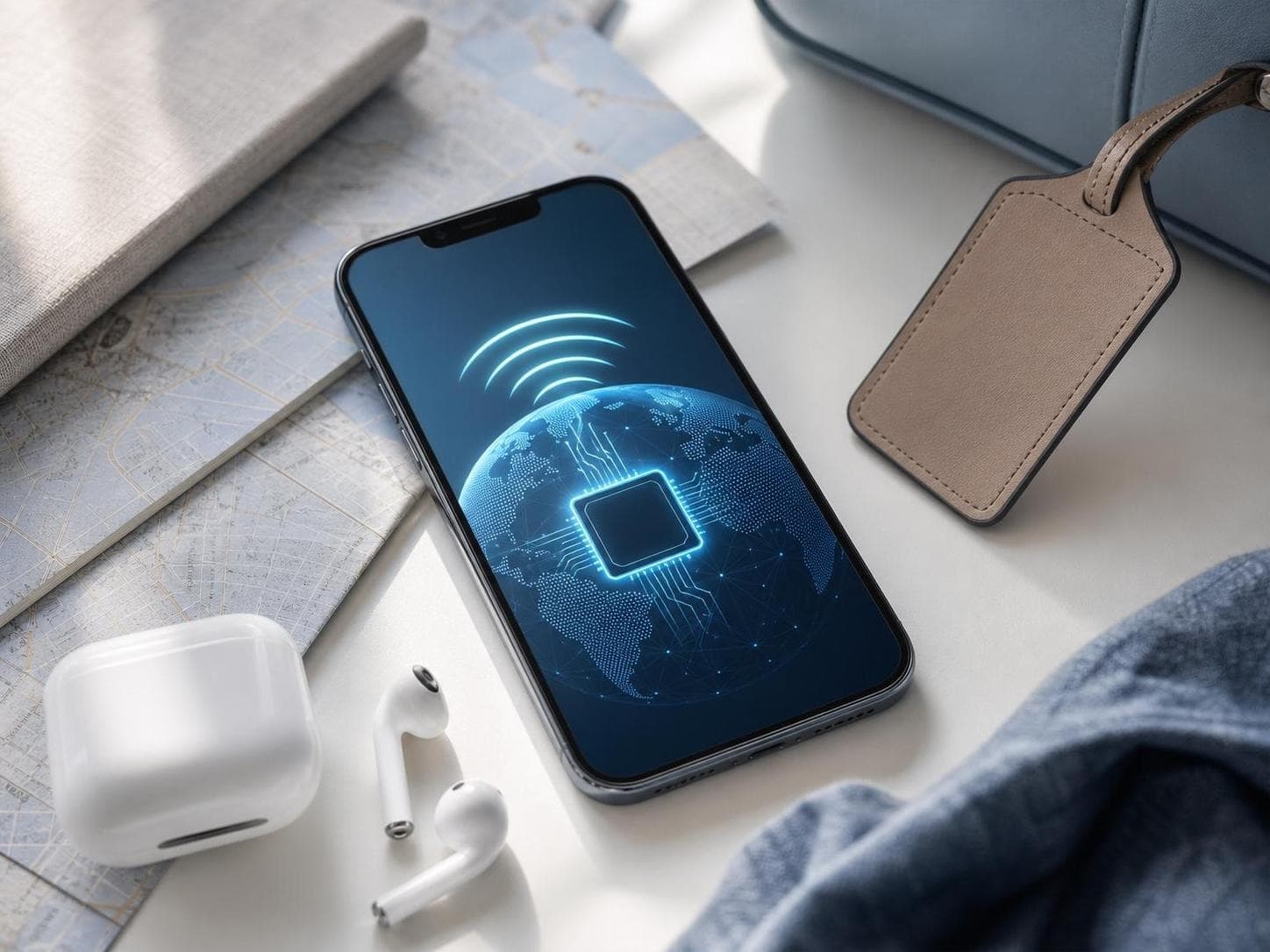
Quick answer: To understand how to use an eSIM in France, begin by confirming that the phone supports eSIM and is network-unlocked. Install the travel plan on reliable Wi-Fi before departure and keep its instructions offline. After landing in France, enable the eSIM, select it for mobile data, and turn on data roaming for that line. Prevent the home SIM from switching back to mobile data. Test a webpage, directions, and a message before leaving the airport or station. Set aside about 10 to 15 minutes for installation, although the exact time varies. Keep offline copies of tickets, hotel addresses, and essential routes in case local service changes.
Treat Connectivity as Part of Your Arrival Plan
A first day in France may involve an airport, transfer, station exit, and hotel door code. Prepare the eSIM before travel rather than interpreting unfamiliar settings while carrying luggage.
Skylano allows installation before or during the trip. Setup details arrive after purchase, and activation occurs after arrival on a supported local network. Install on stable Wi-Fi.
Complete This Pre-Departure Card
| Check | Action | Result you want |
|---|---|---|
| Device | Confirm eSIM support for the exact version | The phone can add a digital profile |
| Carrier status | Verify that the device is unlocked | The home carrier does not block a travel line |
| Installation | Add the eSIM on stable Wi-Fi | The new line appears in phone settings |
| Line labels | Name the new line `France Travel` | Home and travel SIMs are easy to distinguish |
| Offline backup | Save instructions, bookings, and addresses | Important information remains available without data |
On iPhone, Settings, General, and About shows Carrier Lock information and an eSIM identifier when supported. On Android, look under SIM Manager, Connections, or Network & Internet. Verify the exact model version.
Set Up the Travel Line on iPhone or Android
iPhone and iOS
- Open Settings, then Cellular or Mobile Service.
- Choose Add eSIM and scan the supplied QR code, or use the manual order details.
- Label the plan `France Travel`.
- Leave the home line as the voice default if that suits your needs.
- Disable Cellular Data Switching to avoid an unintended data fallback.
- After arrival, select `France Travel` for Cellular Data and enable Data Roaming on that line.
Android
- Open Settings, then SIM Manager, Connections, or Network & Internet.
- Select Add eSIM, Add mobile plan, or the equivalent option.
- Scan the QR code or enter the supplied activation information.
- Label the profile `France Travel` and choose it for mobile data.
- Disable automatic data switching when available.
- In France, enable the travel eSIM and turn on roaming for it.
Android menu names vary. Follow the order guide when its path differs and enter only a supplied APN. Keep roaming off on the home line unless you want regular-carrier service.
Run a Paris Arrival Test
At Charles de Gaulle or Orly, enable the travel line, select it for data, and turn on roaming. Test a webpage, load the accommodation route, retrieve transport information, and send a message.
In Paris, data helps identify station entrances, compare Métro, rail, and road routes, open bookings, translate instructions, and message a hotel. Save the address and booking code because underground areas and congestion can affect service.
Match your data allowance and validity period to every day of your Paris stay or wider France itinerary.
Compare France eSIM plans
Going Beyond Paris Changes the Backup Plan
Intercity travel involves platforms, carriage information, connections, and hotel messages. Load train details before boarding and keep the next address offline. Data helps with changes, maps, searches, translation, and messages in cities such as Lyon, Nice, or Bordeaux.
Skylano describes multi-network coverage usually stronger in cities and tourist areas, not universal coverage. Rural roads, mountains, tunnels, buildings, settings, and congestion can affect service. Download maps before countryside trips.
Do not assume a France plan works elsewhere in Europe. For a cross-border itinerary, check live coverage and whether a separate destination or confirmed regional plan is needed.
Estimate Data From Habits, Not Just Trip Length
| Usage level | Approximate 7-day planning range | Common activities | Main source of extra use |
|---|---|---|---|
| Light | 1-3 GB | Maps, messages, hotel details, occasional translation | Background updates or photo backup |
| Regular | 3-8 GB | Frequent navigation, transport checks, searches, social uploads | Repeated media viewing and uploads |
| Heavy | 10 GB or more | Streaming, video calls, work apps, cloud files, hotspot | High-quality video and connected devices |
These are estimates. App settings, video quality, hotspot, and trip length change consumption. Cover arrival and departure days, then monitor the phone's data counter.
Compare the Three Common Travel Internet Options
| Decision factor | Travel eSIM | Local SIM card | Pocket WiFi |
|---|---|---|---|
| Preparation | Install digitally before travel | Usually arrange a physical SIM | Reserve, receive, or collect a router |
| What you carry | Your phone | Phone plus the original SIM if removed | Phone, router, and charger |
| Device requirement | Compatible, network-unlocked phone | Compatible, network-unlocked phone with SIM slot | Wi-Fi-capable device |
| Group use | Hotspot when supported | Depends on plan and device | Designed to share one portable connection |
| Main trade-off | Compatibility must be verified | Purchase and SIM handling take time | Battery, pickup or return, and proximity matter |
An eSIM puts data on a compatible phone. A local SIM requires a physical purchase and swap. Pocket WiFi can serve several devices, but depends on the router.
What the Current Skylano France Page Confirms
The France product is data-only, without traditional calls or SMS. Internet-based apps can use data. Hotspot is supported, subject to the phone and local network. Listed 3G/4G/5G speed varies by carrier, location, and congestion.
Skylano also says additional data can be added after the plan is used. Check the live page and order guide before purchase rather than assuming a particular price, allowance, carrier, phone number, unlimited data, or fixed performance.
Diagnose the Symptom Before Changing Settings
| Symptom | First check | Next action |
|---|---|---|
| No network name | Confirm the France eSIM is enabled | Toggle airplane mode once, then restart if needed |
| Network appears but data fails | Verify the eSIM is selected for data and roaming is on | Compare any supplied APN with the order guide |
| Home SIM is using data | Review data switching and default data line | Disable automatic switching and home-line roaming |
| Connection changes indoors | Move to an open area | Test a lightweight webpage to separate signal from app issues |
| Data stopped later in the trip | Check balance and validity | Follow the supported additional-data process or contact support |
Do not delete the eSIM. If checks fail, contact support with the order, phone model, location, and settings screenshots.
Keep the First Day Simple
Install before travel, label each line clearly, save bookings offline, and test maps and messaging before leaving the arrival area. This preparation makes mobile data a useful layer in the trip without treating it as guaranteed at every stop.
Choose a France data allowance and validity period for your full itinerary, then save the setup guide before departure.
View France eSIM plansFrequently Asked Questions
Yes. Skylano allows installation before or during the trip. Stable Wi-Fi before departure is convenient, but follow the purchased plan instructions before enabling the line.
View full guideSkylano says it activates after arrival when the eSIM and data roaming are enabled and the plan connects to a supported local network.
View full guideYes. Turn on roaming for the travel eSIM after arrival. Keep it off for the home SIM unless you intentionally want home-carrier roaming.
View full guideIt can work on compatible, unlocked iPhone and Android devices. Support varies by model, region, and carrier, so verify first.
View full guideDo not assume it does. A France destination plan is intended for France. Check the live coverage details before crossing a border or choose a confirmed regional option when appropriate.
View full guideNo. Skylano currently lists calls and SMS as unavailable. The plan is data-only, but internet-based communication apps can use the connection.
View full guideSkylano says hotspot is supported, subject to the device and local network. Monitor the balance because laptops and other connected devices can use data quickly.
View full guidePlan roughly 1-3 GB weekly for light use, 3-8 GB for regular use, and 10 GB or more for heavy use. Video, uploads, hotspot, and trip length change estimates.
View full guideKeep reading
Europe eSIM Guide: One Data Plan for Multi-Country Travel
Europe trips often cross borders, and a regional eSIM can reduce repeated SIM purchases and setup.
Does My Device Support eSIM?
Before buying, confirm two things: your phone supports eSIM and has no network lock.
When Should I Install and Activate My Travel eSIM?
In most cases, buy and install on stable Wi-Fi before departure, then activate mobile data after arrival.